Charged After Canceling a Subscription? 7 Smart Steps
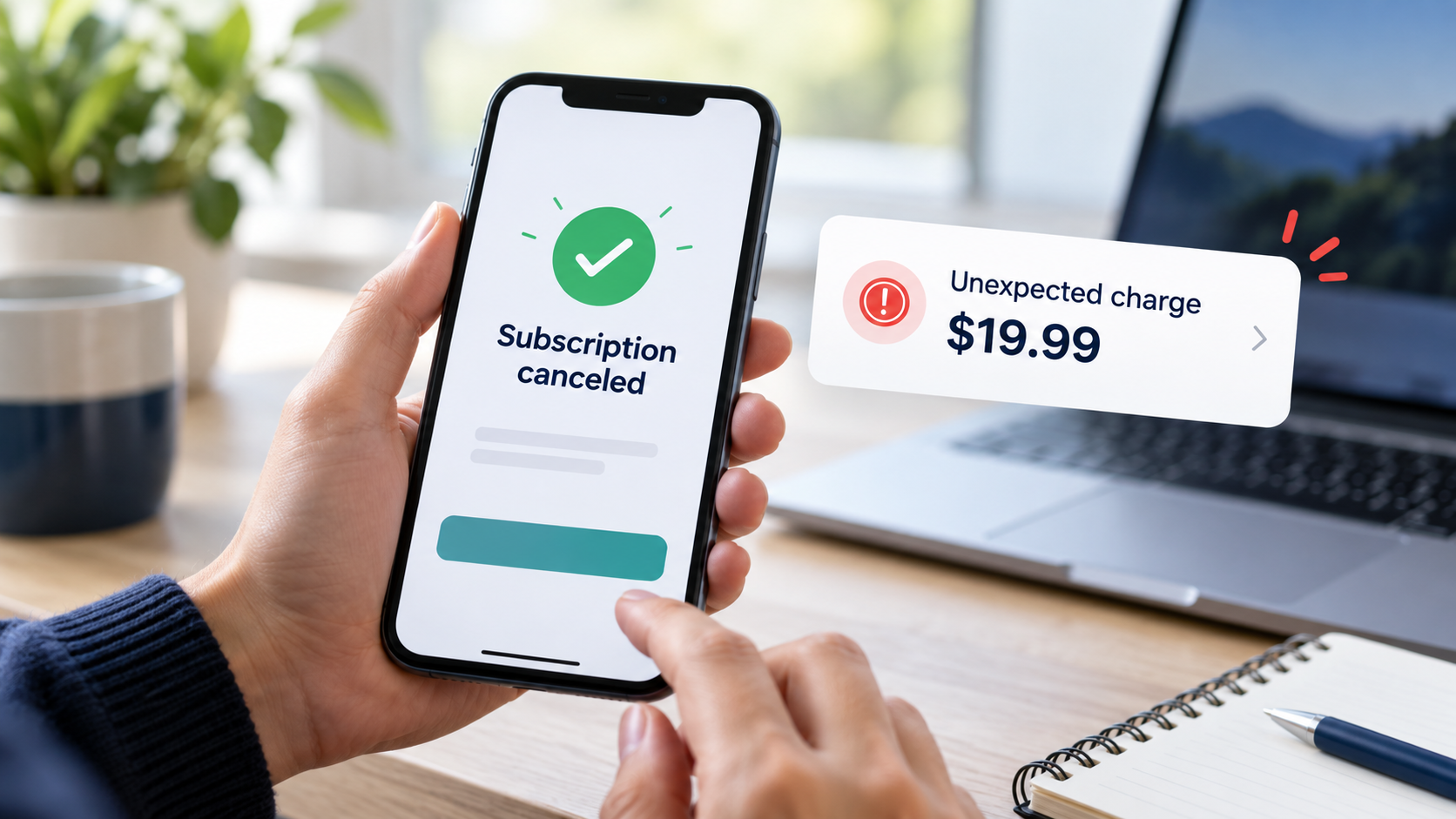
You remember canceling. You might even have the confirmation email. Then you open your banking app and see another payment from the same service.
It is frustrating, especially when you thought the matter was already settled.
If you were charged after canceling a subscription, start with two things: your cancellation confirmation and the receipt for the new payment. Compare the dates, check who processed the charge, and ask that billing provider to explain or refund it. If a business keeps charging after cancellation, contact your card issuer promptly to dispute the charge. The FTC recommends saving cancellation records and watching for further charges.
Before you spend time chasing support, the steps below will help you work out what happened and who can help.
This article’s card-dispute guidance focuses on U.S. consumers. Local rules and refund policies vary.
Why Were You Charged After Canceling a Subscription?
The payment could be connected to a renewal that happened before you canceled. It could also belong to a different account, an unfinished cancellation, or a payment plan with installments still due.
One easy mistake is deleting an app and assuming its payments will stop. Google Play says uninstalling an app does not cancel its subscription. Its guidance also explains that stopping renewal on certain subscription payment plans does not remove the remaining payment obligations.
You do not need to guess which explanation applies. Start by checking the records.
1. Compare the Payment With Your Cancellation Date
Open the receipt and cancellation email side by side.
Write down when you canceled, when the service renewed, and which billing period the payment covers. If your bank statement and receipt show different dates, ask the billing provider to explain the difference.
A small table can keep the details clear:
| What to check | What you need |
|---|---|
| Cancellation | Confirmation date and time |
| Renewal | Date on the receipt or billing page |
| Charge | Amount, currency, and transaction reference |
| Account | Email address linked to the subscription |
| Status | Whether the payment is pending or completed |
For example, if the receipt shows a renewal before your cancellation, ask whether cancellation stopped the following renewal rather than the payment already being processed. That is a question to investigate, not proof that the charge was correct.
If you were charged after canceling a subscription, a clear timeline makes your refund request much easier to understand.

2. Find the Company That Actually Took the Payment
The service name on your phone doesn’t always tell you who manages billing.
You may have subscribed through Apple, Google Play, the company’s website, or a mobile carrier. Follow the receipt rather than assuming the app developer handled the payment.
| Who billed you? | Where to start |
|---|---|
| Apple | Apple’s subscription settings and refund-request website |
| Google Play | Google Play subscriptions and refund guidance |
| The service directly | Its official billing dashboard or support page |
| A mobile carrier or another provider | That provider’s billing support |
Apple advises checking receipts to identify the account used. When another company bills the subscription, its guidance directs you to that company; for carrier subscriptions, you’ll need the provider’s support.
This check can save you a long conversation with a support team that does not control the transaction.

3. Check Whether the Cancellation Finished
A cancellation screen may include several steps. Go back to the subscription page and look for a final confirmation or an expiration date.
Save a screenshot showing the status. Keep the original confirmation email too.
For Apple-Billed Subscriptions
On an iPhone, open Settings → your name → Subscriptions, select the service, and check its status. Apple says that if there is no cancellation button, or a red expiration message appears, the subscription is already canceled.
For Google Play Subscriptions
Open the subscriptions page in the Google Account connected to the purchase. Select the service and follow the cancellation instructions if renewal is still active.
Google Play generally lets you use an ordinary canceled subscription until the paid period ends. Being able to open the service does not, by itself, mean cancellation failed.
For Subscriptions Bought on a Website
Sign in to the service’s official website and check its billing page. Look for written confirmation that future renewal is disabled. If the wording is unclear, ask support to confirm it.
4. Request a Refund Through the Right Channel
Once you know who billed you, send the request there.
Explain that you were charged after canceling a subscription, then include the dates and evidence. Be specific about the payment you want reviewed.
Requesting a Refund From Apple
Visit https://reportaproblem.apple.com/, sign in, select Request a refund, choose the reason, and submit the purchase.
Apple says some purchases may qualify for refunds, with eligibility varying by country or region. If the charge is pending, you cannot request a refund through that page yet. Approval is not automatic.
Requesting a Refund From Google Play
Use https://support.google.com/googleplay/answer/2479637?hl=en. Refund eligibility depends on the purchase and applicable policy. Cancellation alone does not automatically return a previous payment.
Requesting a Refund From the Service
Use its verified support page or billing dashboard. Ask which billing period the charge covers, why it occurred, and whether it qualifies for a refund.
Also ask them to confirm they’ve stopped further renewals. Resolving the latest payment and ending future billing are separate tasks.
5. Send a Short Message With Clear Evidence
You do not need an angry email or a long explanation. Give support enough information to locate the payment and compare it with your cancellation.
Here is a message you can adapt:
Subject: Please review a subscription charge after cancellation
Hello,
I canceled my [service name] subscription on [date and time]. However, I noticed a payment of [amount and currency] on [date].
My account email is [email address], and the receipt or transaction number is [reference].
I have attached my cancellation confirmation. Please explain which billing period this charge covers and review my request for a refund.
Please also confirm that future renewals are disabled and provide a case number for this request.
Thank you.
Use the actual details from your records. If you cannot find a cancellation confirmation, say so and provide any relevant support conversation instead.
Keep a copy of the message and the response.
6. Contact Your Card Issuer if the Problem Remains Unresolved
If you were charged after canceling a subscription and the company will not resolve the issue, contact your credit or debit card provider promptly.
The FTC recommends disputing charges when a company continues billing after cancellation. It also advises keeping related correspondence and following up in writing as appropriate.
Use your banking app or call the number on the back of your card. Explain what happened and ask:
- What deadline applies to this dispute?
- Which documents should I submit?
- Do I need to follow up in writing?
- How can I address further payments from this merchant?
Describe the transaction accurately. If you originally subscribed, explain that you authorized the subscription and later canceled it. If you never recognized or authorized the payment, tell the issuer that instead.
Do not let repeated support replies delay your inquiry about dispute deadlines.
7. Check That Both Problems Are Resolved
There are two things to settle: the payment already taken and the possibility of another renewal.
Before you close your notes, check:
- Subscription status: Future renewal is shown as stopped.
- Payment outcome: You have a refund decision or a dispute update.
- Bank statement: Any approved refund has arrived.
- Next billing date: No further unexpected payment has appeared.
Apple notes that an approved refund can take additional time to reach the payment method. Keep the approval message until the money is returned.
For future subscriptions, save the receipt, renewal date, billing provider, and cancellation confirmation in one place. A simple note on your phone is enough.
To organize recurring expenses in one place, explore our guide to AI budgeting apps for tracking spending and subscriptions
FAQs About Being Charged After Canceling a Subscription
Does Canceling a Subscription Automatically Refund the Last Payment?
No. Cancellation and a refund request are separate processes. Apple and Google Play assess refunds under their applicable policies.
Why Can I Still Use the Service After Canceling?
You may still have time left in the period you paid for. Google Play explains that ordinary canceled subscriptions generally remain available until that period ends. Check the renewal status rather than judging by access alone.
What if I Cannot Find the Subscription?
Check the account email on the receipt. Apple advises using the account linked to the purchase, while Google Play suggests checking other Google Accounts when a subscription is missing.
Does Deleting an App Stop Its Subscription?
For Google Play subscriptions, no. You must cancel through the subscription controls; uninstalling the app does not stop billing.
Is a Refund Guaranteed if I Was Charged After Canceling a Subscription?
No. The outcome depends on the cancellation timing, purchase terms, applicable policy, and consumer protections. Provide your evidence and ask the billing provider to explain its decision. Apple explicitly notes that refund eligibility varies by country or region.
Final Thoughts
If you were charged after canceling a subscription, begin with the records you already have. Match the receipt to your cancellation, find the billing provider, and send a clear request.
Then follow through on both parts of the problem: the disputed payment and future renewal. A cancellation confirmation, a refund decision, and a checked bank statement give you a much clearer answer than a support message saying the issue is “being reviewed.”
For a broader look at banking technology, read our guide to the Visa AI Financial Assistant and its benefits and risks.